> For the complete documentation index, see [llms.txt](https://wiki.craftyourtown.com/llms.txt). Markdown versions of documentation pages are available by appending `.md` to page URLs; this page is available as [Markdown](https://wiki.craftyourtown.com/how-to-play/content/quests.md).
# Quests
{% hint style="info" %}
**In-game command:** /quests
{% endhint %}
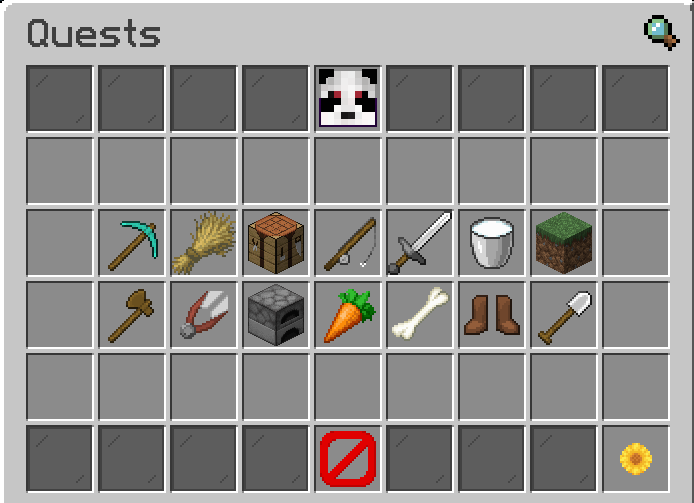
The main Quests Category menu
### What are Quests?
Quests are tasks that you can complete to earn fast cash.\
The amount you can take on at once depends on your current in-game rank, check out `/ranks` to check your current rank.
### Available Commands
* **/quests** - Opens the quests category menu
* **/quest** - List commands
* **/quest list** - Opens the quests category menu
* **/quest list active** - Show your current active quests
* **/quest list cooldown** - Show your quests currently on cooldown
* **/quest list type \**- Open the quests menu for that category
* **/quest quit \** - Quit an active quest
* **/quest start \** - Start a new quest